Article language: English
Shookio Business: Simpler Maintenance for Properties and Tenants
Give tenants an easy way to request repairs and your maintenance team one place to manage the work. Explore Shookio Business plans, property workspaces, and the path from request to completion.
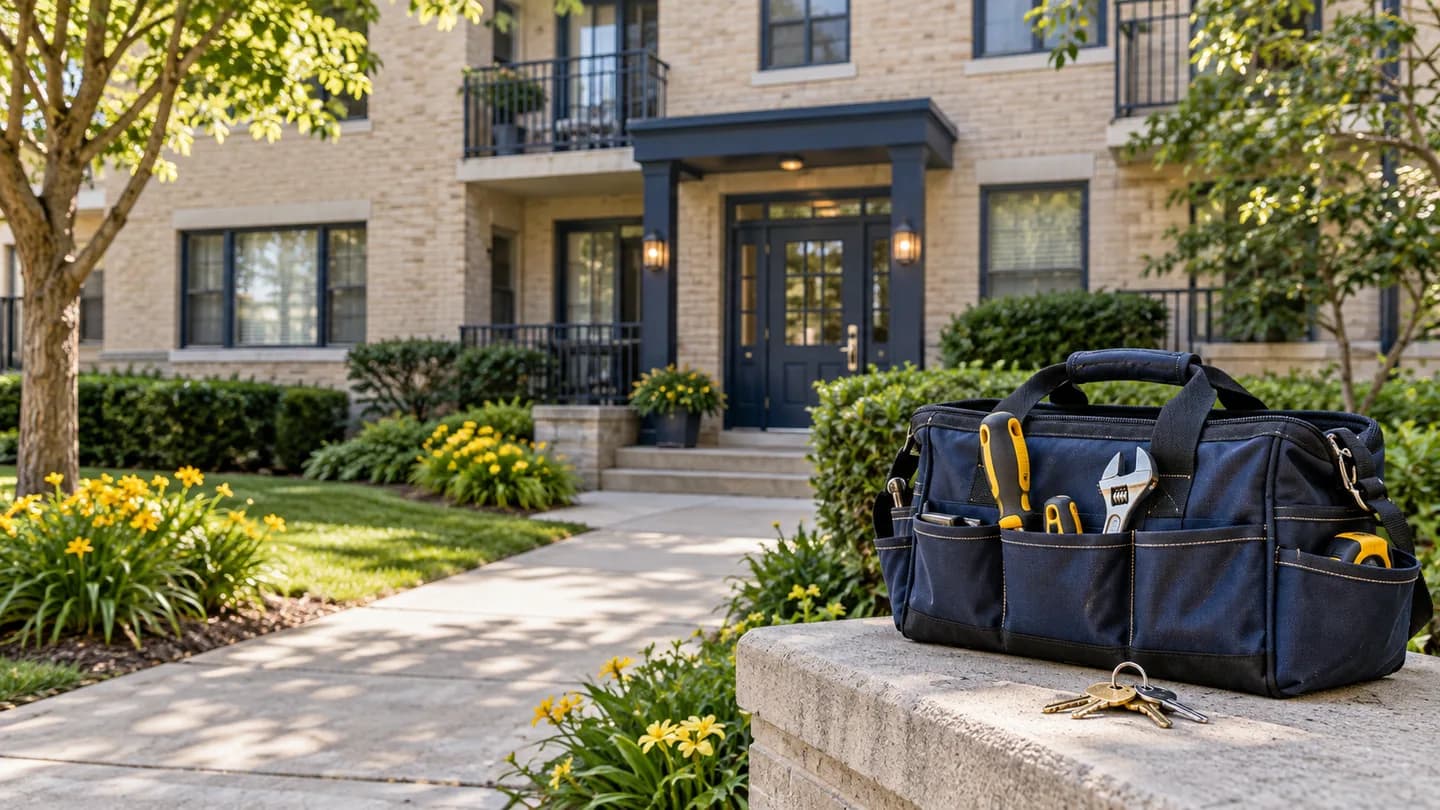
A leaking sink. An oven that stopped heating. A hallway light that has been out for three days.
Each problem sounds small until the request gets buried in a text, someone forgets which apartment it came from, or two workers think the other person is handling it.
Shookio Business gives property managers, maintenance teams, and tenants one clear way to move a repair from reported to completed. It brings requests, properties, jobs, schedules, and work history together.
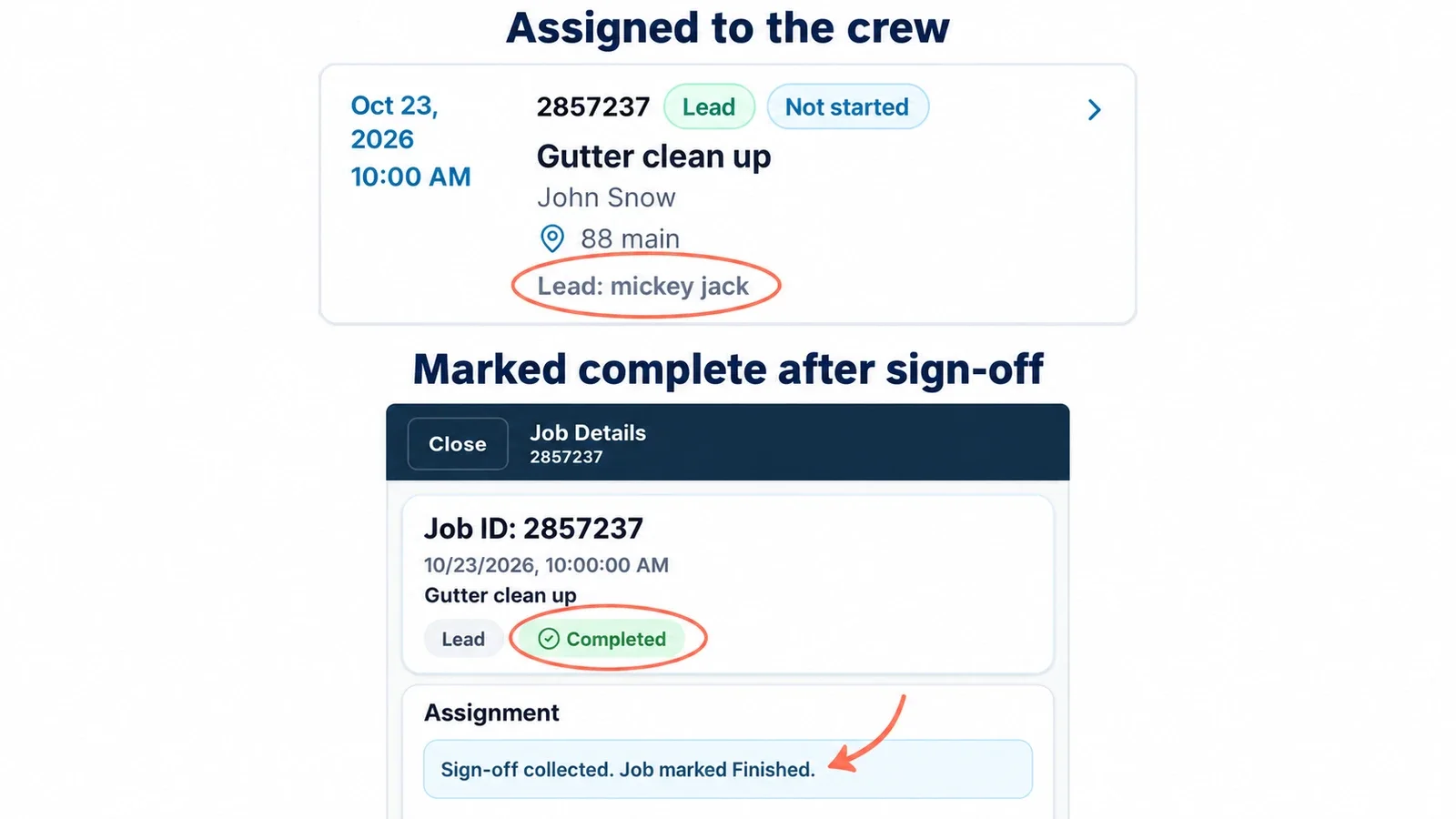
The simple version: Someone reports a problem. Your team reviews it. A technician takes the job. The requester gets an update when the work is finished.
What is Shookio Business?
Shookio Business is the property maintenance side of Shookio. It is built for landlords and teams looking after apartment buildings, townhouse complexes, retirement homes, and other properties.
You create a workspace for each property and give tenants or staff a maintenance request link. Your team can then organize the requests and manage the work from the same system.
That means less searching through messages and a clearer answer to three everyday questions:
- What needs to be fixed?
- Who is handling it?
- Has it been finished?
The Business plans at a glance
Both plans include maintenance request links and QR codes, a job pool where workers can claim available work, scheduling, job tracking, and work history.
| Included | Business Starter | Business |
|---|---|---|
| Monthly price | $99/month | $199/month |
| Workers | Up to 3 | Up to 10 |
| Property workspaces | Up to 3 | Up to 10 |
| Free trial | 1 month free | 1 month free |
| Maintenance links and QR codes | Included | Included |
| Job pool, scheduling, and work history | Included | Included |
Prices are in USD and billed monthly after the free month. A card is required. Your monthly subscription starts after the trial unless you cancel. You can cancel through Manage Billing.
Business Starter is a practical starting point for a small maintenance team managing a few properties. Business gives a larger team more room across multiple locations.
Need more than 10 workers or 10 property workspaces? Contact Shookio to talk about your team and properties.
Plan details checked October 12, 2026. See the pricing page for current options.
Does every apartment count as a property?
No. A property workspace keeps the maintenance for a building, complex, or site together. Its apartments, floors, and rooms are locations inside that property.
For example, one apartment building can have a workspace with several floors and units. Those units do not each use up another property workspace.
One building. Clear locations. A request for “Floor 2, Apartment 10” belongs to that property's workspace, so your team knows where to go.
How a maintenance request works
1. Give tenants or staff a link
Each property has a maintenance request link and QR code. You can share the link in a welcome email or print the QR code for a lobby, office, or common area.
A tenant can open the form on their phone. A staff member can also report a problem on someone else's behalf.
They do not need to buy a Shookio subscription or join your worker team to send a request.
2. Collect the details in one place
The requester enters their name, email, the problem, and the location details the form asks for. Depending on the property, that could be an apartment, floor, room, or another area.
Instead of “the sink is leaking,” your team gets a request tied to the right property and location, with an explanation of the issue.
3. Review the request and organize the work
The maintenance team can review incoming requests, ask for more information, and decide what needs to happen next.
Managers can turn approved work into a work order and assign a technician. They can also place available work in the Job Pool, where a worker can claim it. Once claimed, the job is assigned to that worker so the team can see who is handling it.
4. Track the job through completion
The technician can work from the job details, update progress, and record what was done. Managers can follow the work alongside the team's schedule and job history.
5. Keep the requester informed
Shookio sends request emails for key events, including confirmation, assignment, and completion. The completion message can include the summary of what was done.
The requester also gets a private tracking link to view their request. This gives them a clear record without access to your internal job-editing tools.
Example: the oven in Apartment 10 stops working
Imagine a tenant comes home and finds that the oven will not heat.
- They open the property's request link or scan its QR code.
- They enter their name, email, apartment details, and a short description.
- The manager reviews the request and assigns a maintenance technician.
- The technician handles the repair and adds a completion summary.
- The tenant receives a completion email and can view the request record.
The manager has a record of the work. The technician knows which apartment needs help. The tenant has a way to report the problem and receive updates.
This is an example of the workflow, not a repair-time promise. Your team still decides how to prioritize and carry out the work.
How it helps tenants and residents
A good maintenance process should be easy for the person reporting the problem, too.
- One place to start. The property's link gives people a clear way to request help.
- Less repeated explaining. Their issue and location stay with the request.
- Useful updates. Confirmation and completion emails help them know what happened.
- A record they can revisit. Their private link keeps the request information within reach.
For a front desk or property office, it also gives staff a consistent way to submit issues for residents.
How it helps property managers and maintenance teams
Keep properties organized
Separate property workspaces help your team keep requests and maintenance work with the right building or site. You can manage several locations without putting everything into one long message thread.
Make responsibility clear
Assignments and the Job Pool show who has taken the work. That can reduce the back-and-forth of asking, “Did anyone pick this one up?”
Keep useful work history
Completed jobs give the team a record to look back on. When a similar problem returns, you have previous work to review instead of starting with someone's memory.
Give workers clear job details
A worker needs the property, location, issue, and instructions. Keeping those details together makes it easier to start the job with the right information.
Where Shookio Business fits
Apartment buildings and townhouse complexes: Give residents a simple way to report issues and help your team organize work across units and shared spaces.
Retirement homes: Let staff report everyday building problems by floor, room, or area and route the work to the maintenance team.
Offices and other managed buildings: Give the front desk or staff one place to report a broken fixture, room issue, or other maintenance task.
Shookio Business focuses on maintenance requests and the people doing the work. Use it alongside the systems you already use for rent, leases, accounting, or resident care.
For urgent problems, residents should still follow the property's emergency instructions. A maintenance form is not an emergency response service.
Get started with one property
You do not have to change every process in a day.
- Choose the Business plan that fits your workers and properties.
- Add a property and set up its locations.
- Invite your maintenance team.
- Share the property's request link or QR code.
- Try a request from start to finish so everyone understands the process.
Start with one building, get comfortable with the workflow, and then add your other properties within your plan.
A clearer process helps everyone: tenants know how to ask for help, technicians know what needs doing, and managers can see how the work is moving.
Explore Business plans — 1 month free
Have questions about using Shookio for your building or maintenance team? Contact us, or email support@shookio.com.
Looking for tools for a service crew instead? Read our guide to field service management software for small businesses.